High Art · Hard Engineering

VIOLINET TECH

Agentic systems and diffusion models that run on hardware you already own.

The thesis

Making it work and making it beautiful are the same job.

104Skills bundled
into VIOLINET OS
38Coding tools
auto-wired on launch
430 / 430Tensors mapped,
zero mismatches
10.25sPer step, where
the naive path takes 236

Systems

Three operating systems, and the lab behind them.

The three systems each run on your own machine and have their own page, status and downloads. Violet Diffusion is the laboratory that powers the image side of all three.

The Violet family

Three names, one violet roof.

VIOLINET OS is the neural agent network. Meet the whole family →

Apps

Small apps, built on VIOLINET OS.

27 so far. Hover to play, drag to browse.

Code review · security
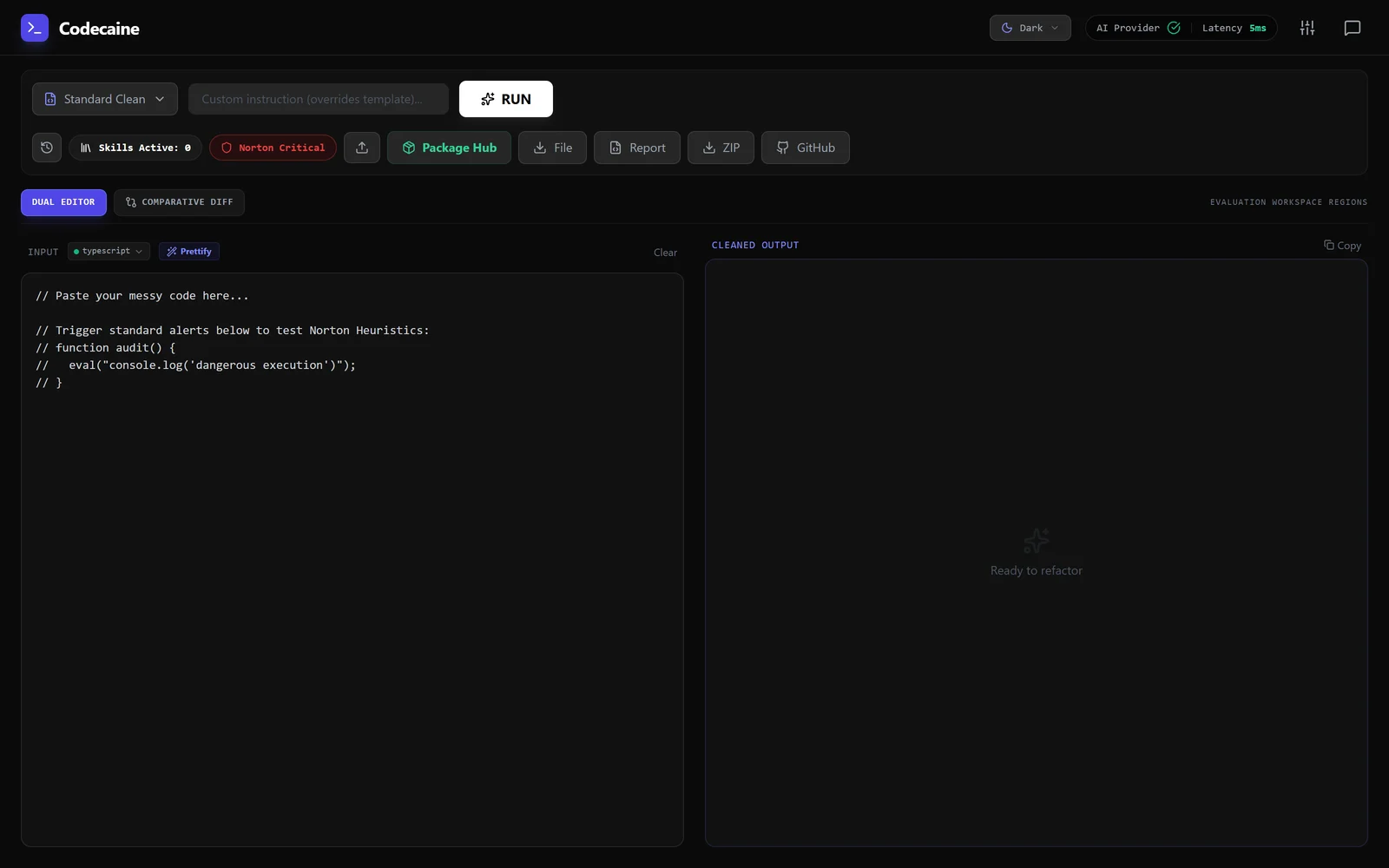
Codecaine

A dark code-review workspace headed Codecaine, with a Standard Clean template picker and a RUN button, a toolbar showing Skills Active 0, a Norton Critical pill, Package Hub, File, Report, ZIP and GitHub, and an input editor beside an empty Cleaned Output pane reading Ready to refactor.

A code reviewer that argues with itself before it touches your code.

Brand · design · motion
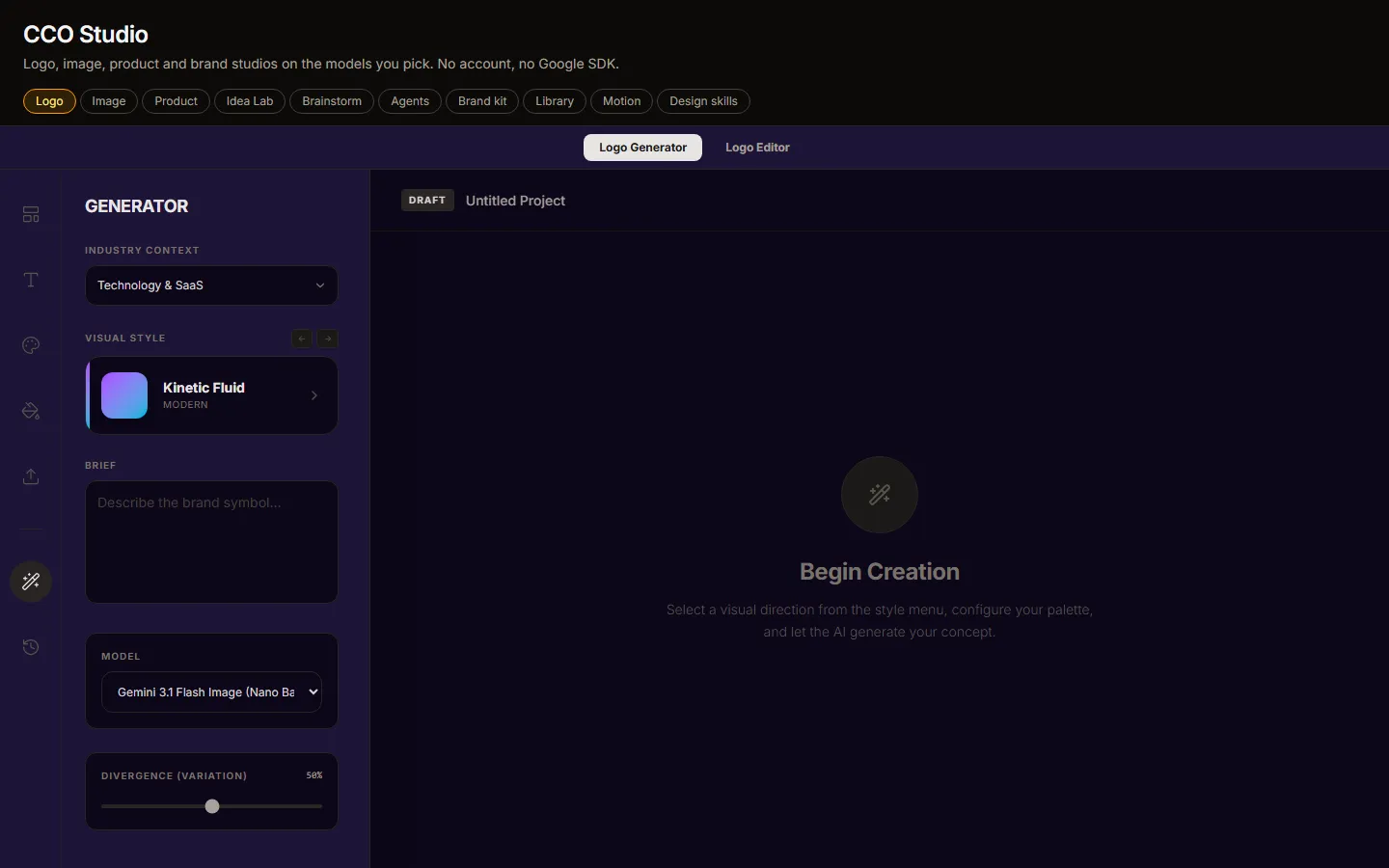
CCO Studio

CCO Studio standalone: a tab row with Logo, Image, Product, Branding Ideas, Brainstorm, Agents, Brand kit, Library, Motion and Design skills, and the Logo Generator with industry context, visual style, a brief box and a model picker.

A creative department in one window.

Portraits — virtual cinematography

PortrAIt Studio

Not exported yet

A neural darkroom: re-render camera angles in 3D, then develop the print.

Utility · VRAM & RAM
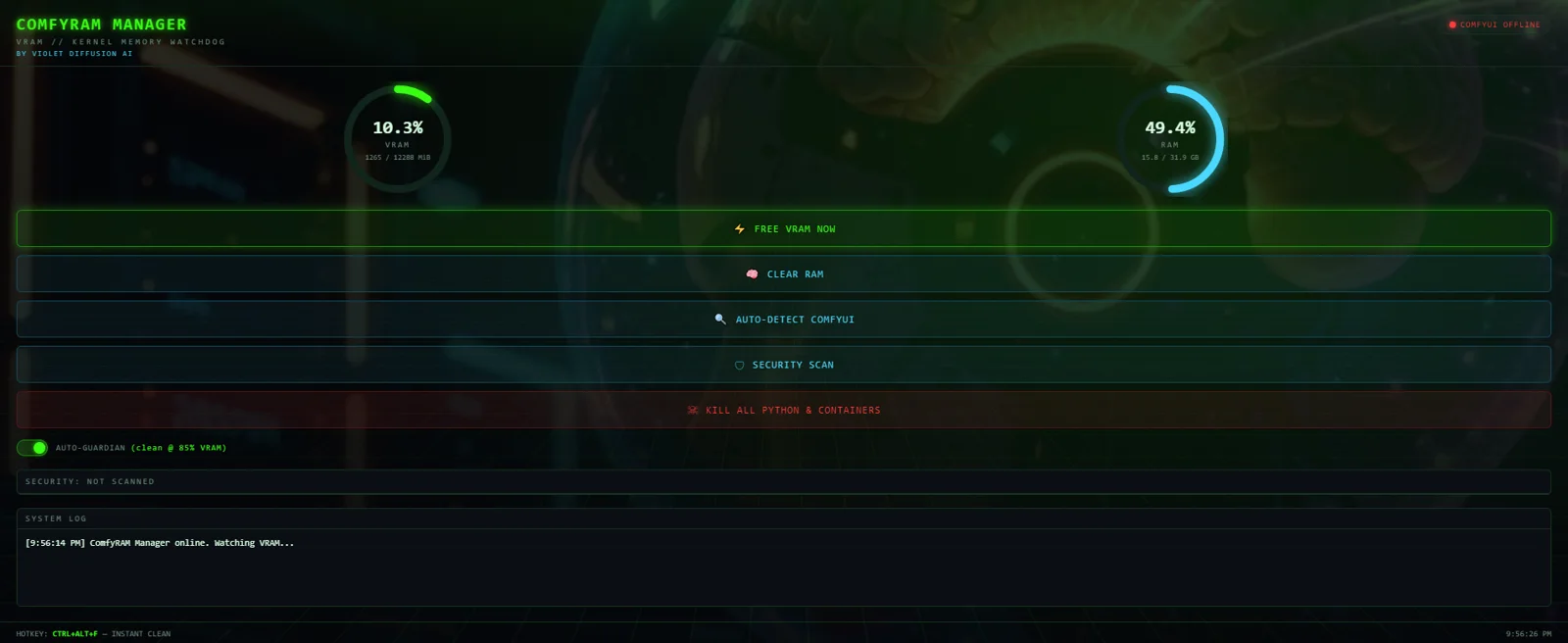
ComfyRAM Manager

ComfyRAM Manager panel with live VRAM and RAM gauges, one-click free VRAM, and the auto-guardian switch.

Frees the memory ComfyUI is still holding, before the next run fails.

Security · agent approval gate
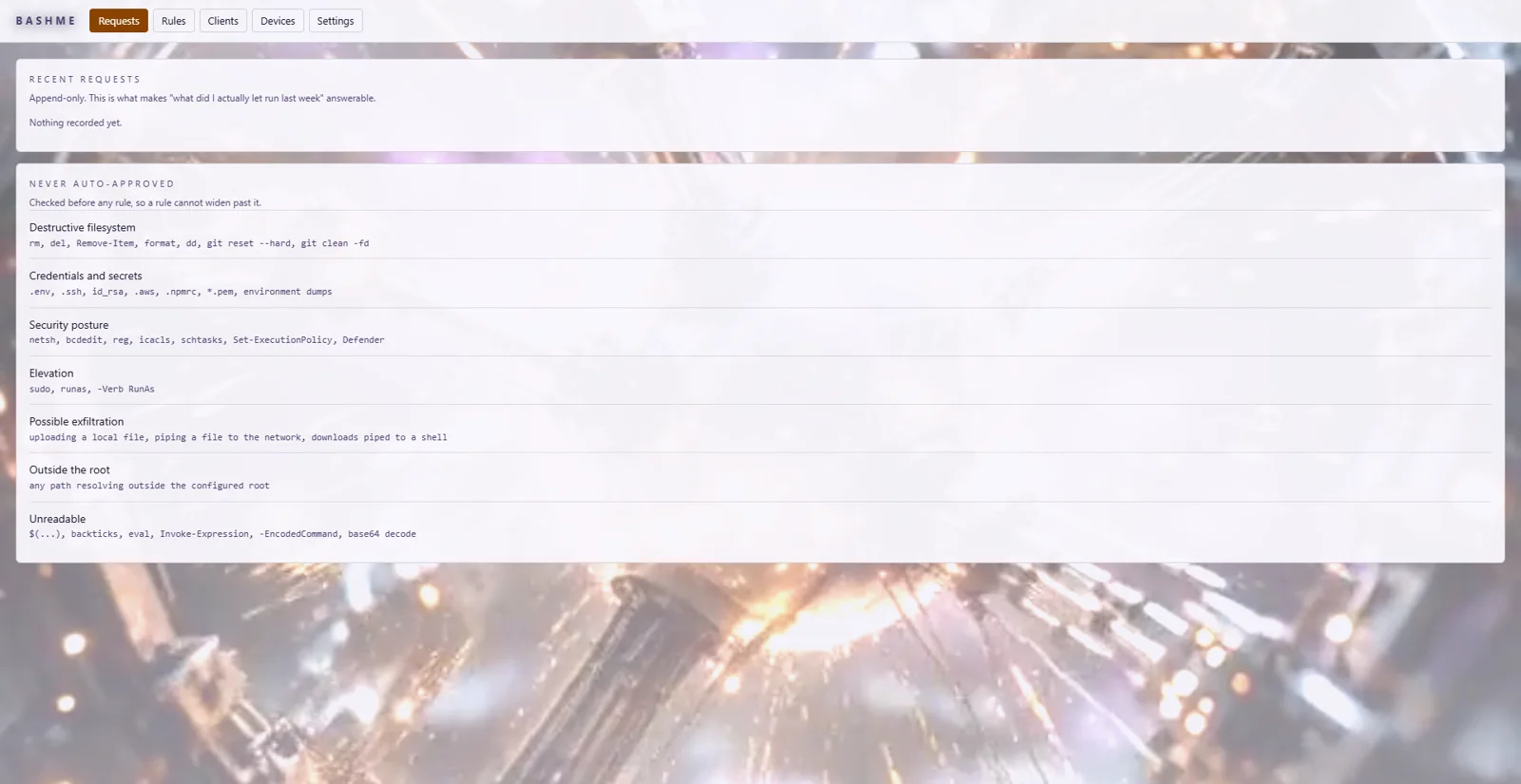
bashme

The bashme window in its dark palette: a Recent Requests list showing approved, denied, rule-approved and timed-out commands such as npm run build, rm -rf dist and curl piped to sh, above an Approvals panel with bashme, Standing rules and Paired devices switches.

Holds what an agent wants to run until a person agrees.

Utility · GPU pairing over LAN or a direct cable

Violet Pair

Not exported yet

Send a generation job to whichever GPU in the house is free.

ComfyUI custom-node pack · 17 nodes
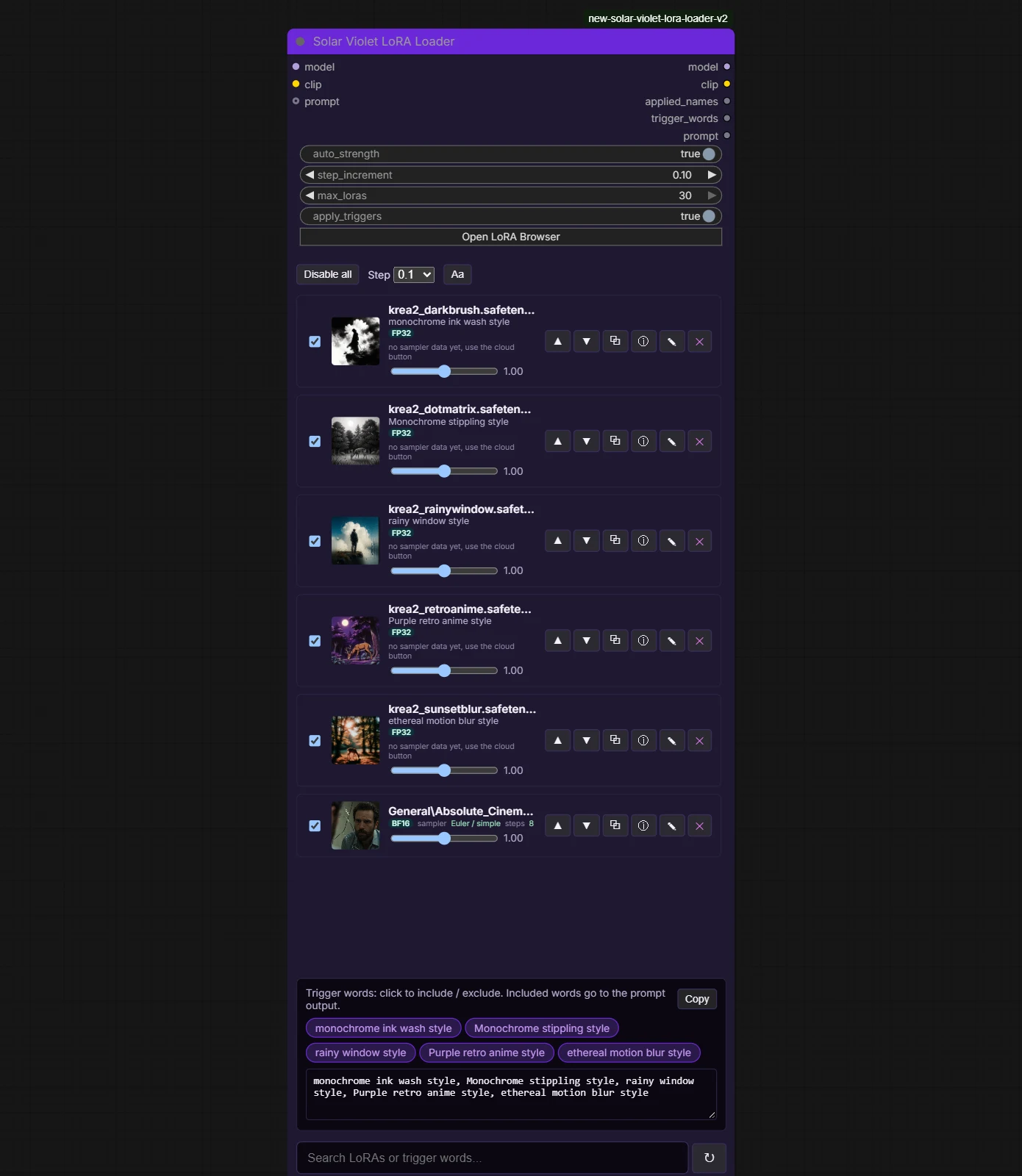
Solar Violet Nodes

The Solar Violet LoRA Loader node in ComfyUI with six LoRAs loaded as large strips, each with a thumbnail, trigger words, a strength slider and move, copy, info, rename and remove buttons, then a trigger-word panel with selectable chips and a large search box.

Typed loaders, a LoRA loader that scrolls and grows with your stack, and model browsers that find duplicates in every ComfyUI folder.

ComfyUI wildcards · manager, picker and word lists
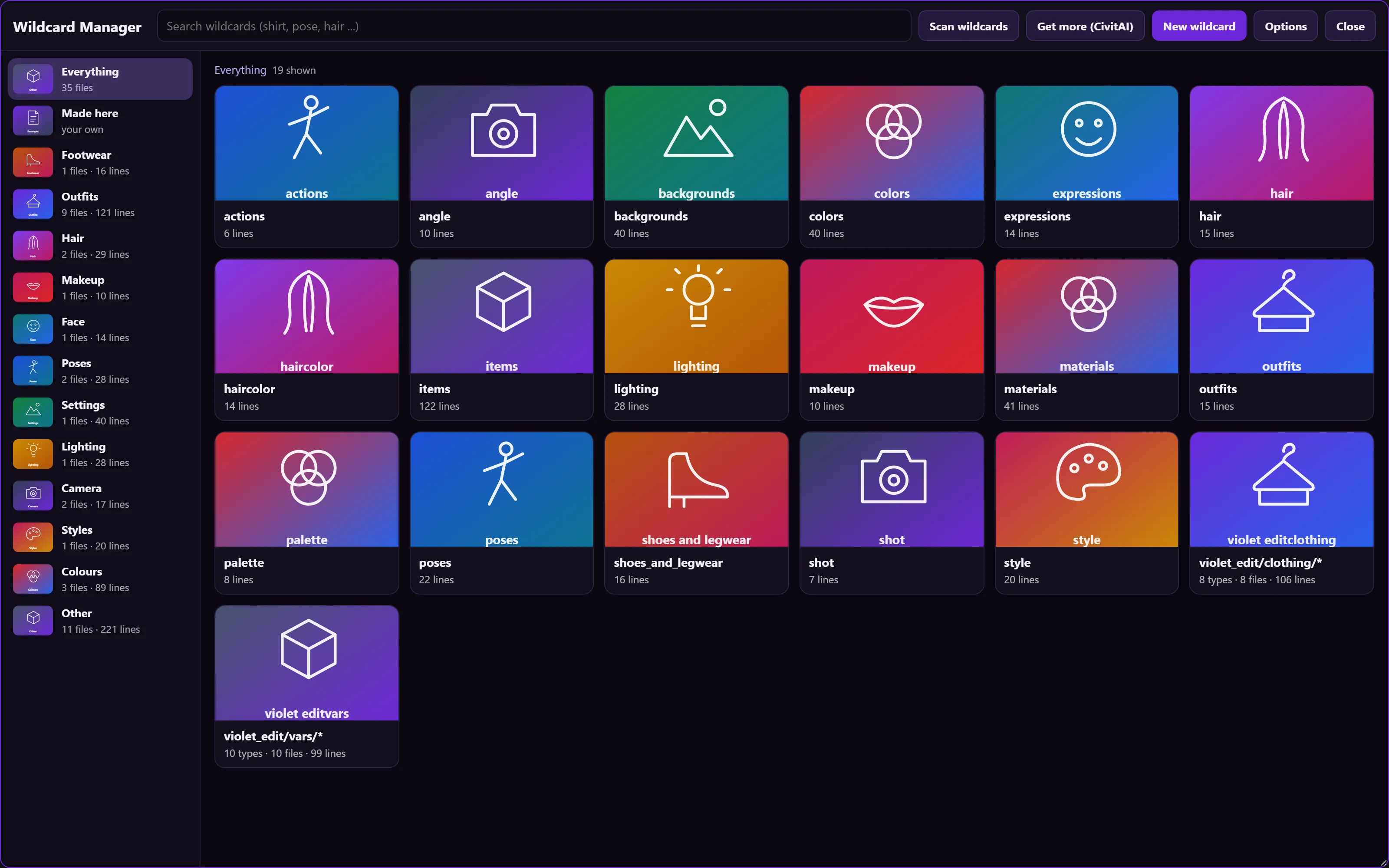
Violet Wildcards

The Wildcard Manager with a category list on the left and a grid of wildcard cards, each with a picture, a name and a line count, and buttons to scan, get more, make a new wildcard and open options.

Find, write, test and use the word lists your prompts draw from. 35 word lists, ten picker slots.

Utility — checkpoint quantizer
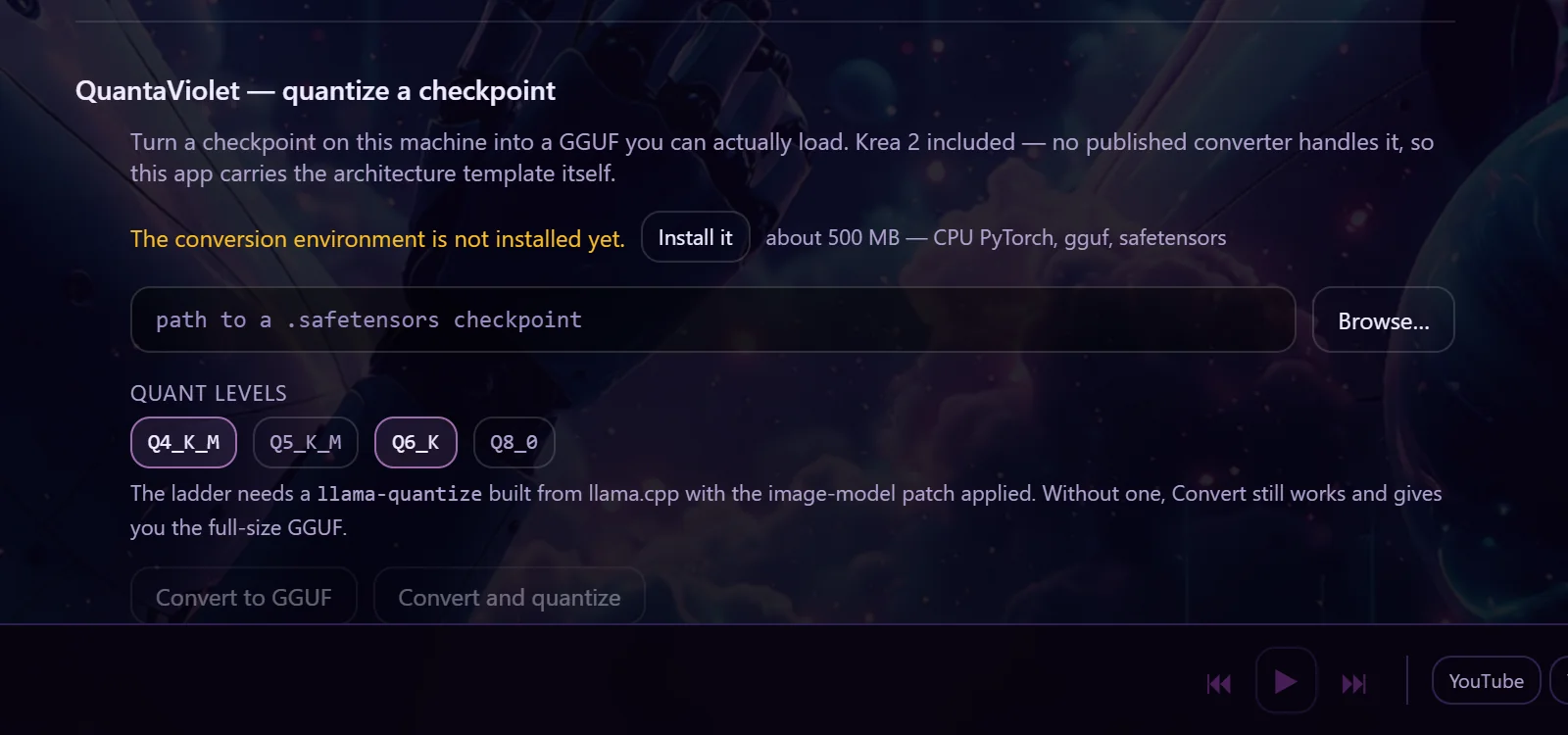
QuantaViolet

The QuantaViolet panel: a note that it turns a checkpoint into a GGUF, a conversion-environment line with an Install it button, a path box with Browse, the quant levels Q4_K_M, Q5_K_M, Q6_K and Q8_0, and the buttons Convert to GGUF and Convert and quantize.

Turn a checkpoint into a GGUF you can load. Krea 2 included.

Utility — get, update and buy every VIOLINET app

Violet Vault

Not exported yet

Sign in once. See what you own, what you can get and what is coming.

Utility — a ComfyUI expert

Violet Assistant

Not exported yet

Ask why a workflow fails, what a node does, or where a model file belongs.

Utility — one desk for your computers and phone

VIOLYNK

Not exported yet

Send files, share the clipboard, show a screen, move one mouse across them.

Utility · image resizing & conversion
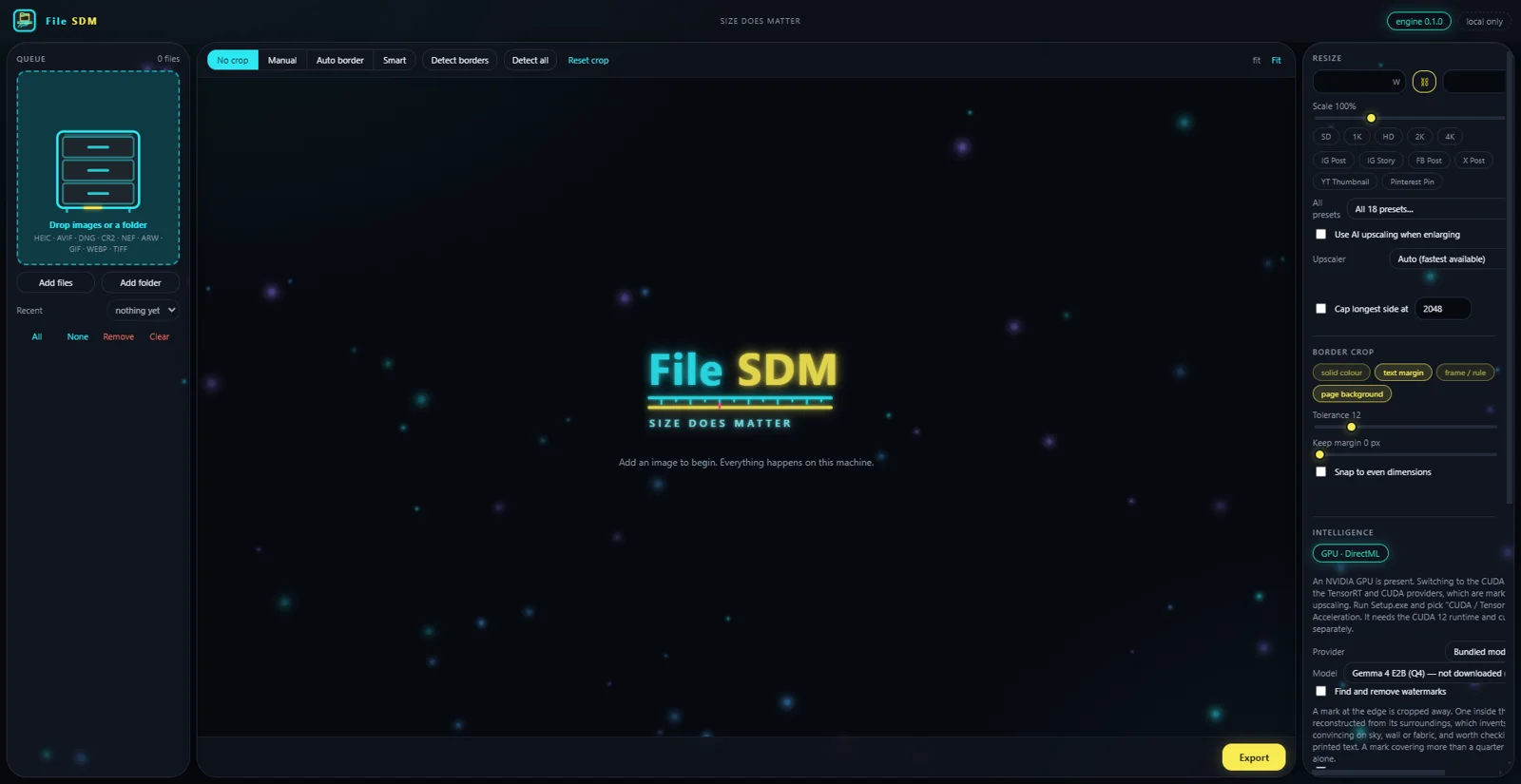
File SDM

File SDM workspace: drop queue on the left, crop modes across the top, resize presets and border crop on the right.

Size does matter. Resize, convert and crop a folder of images without any of them leaving the machine.

Image generation · full creative suite
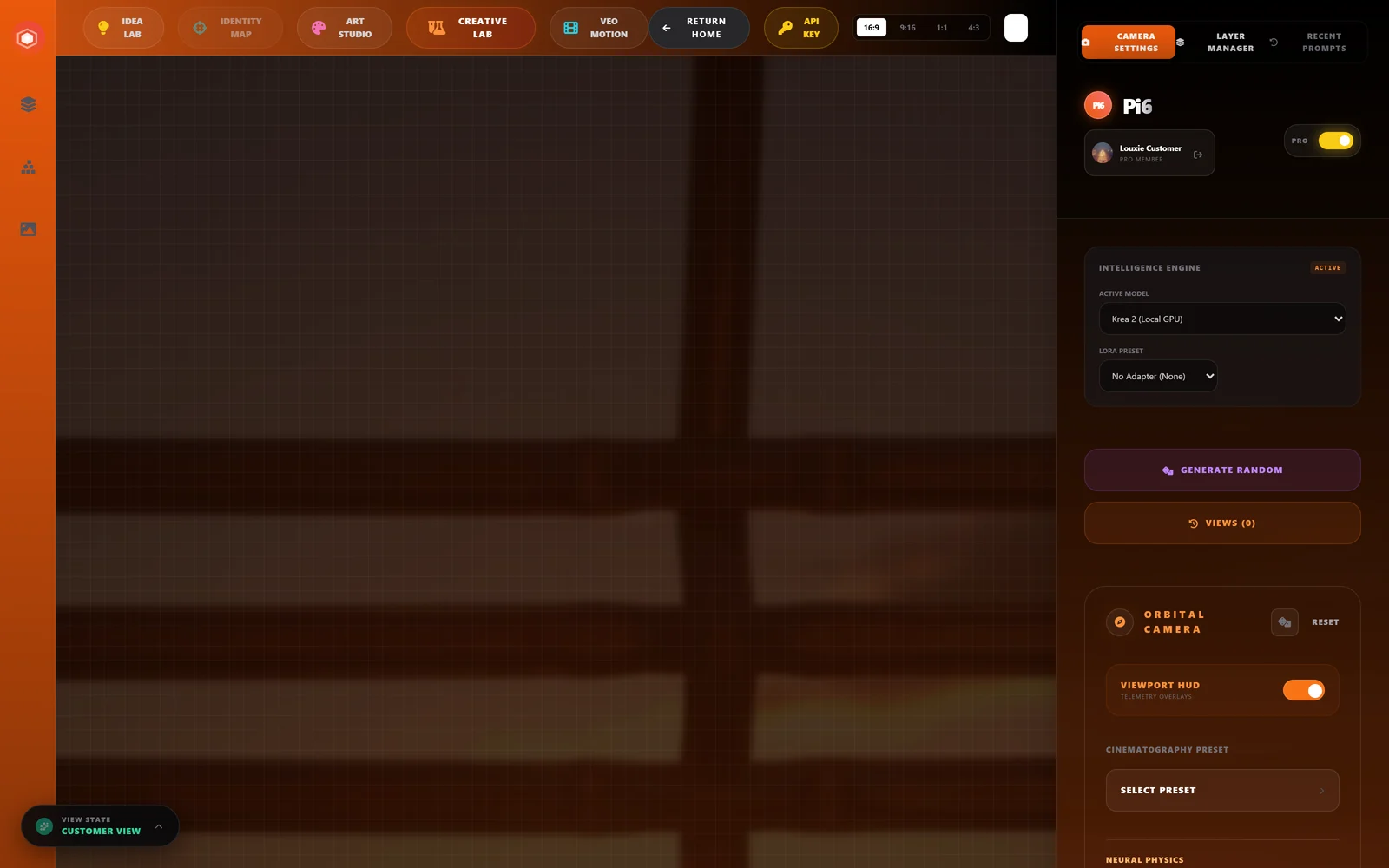
ArtPi6

The ArtPi6 app container (not the marketing site) with a top bar for Idea Lab, Identity Map, Art Studio, Creative Lab and Veo Motion, an Orbital Camera panel with viewport HUD and cinematography presets, and an Intelligence Engine panel with Krea 2 selected as the local GPU model.

Angles, art styles, depth-map canvas, and an idea lab — one workspace, any model you have.

Photo editing · text & logo repair
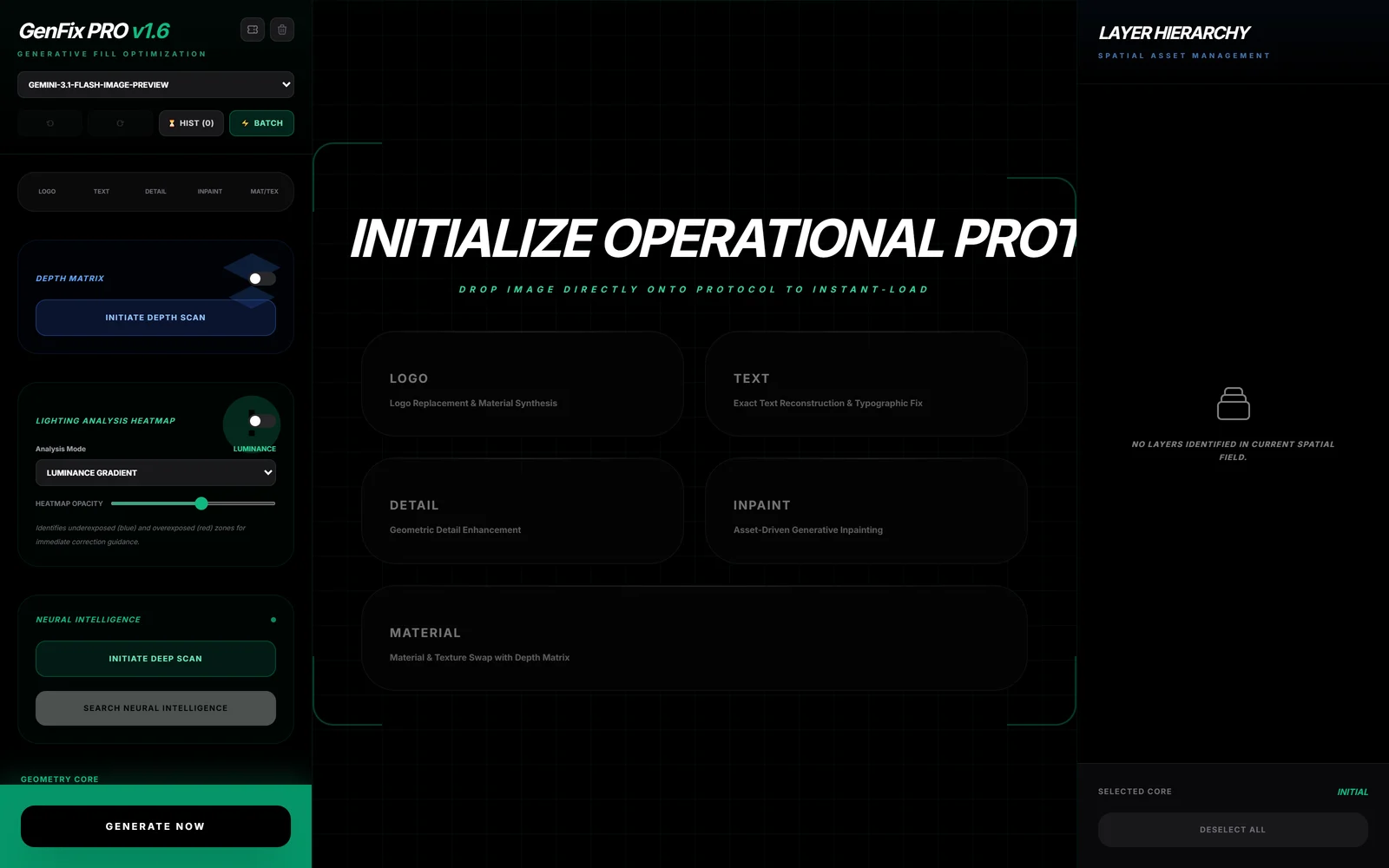
GenFix

A dark green-accented workspace headed GenFix PRO v1.6 with a model picker, History and Batch buttons, Depth Matrix, Lighting Analysis Heatmap and Neural Intelligence panels, five mode cards for Logo, Text, Detail, Inpaint and Material, and an empty Layer Hierarchy panel.

High-fidelity text reconstruction, logo replacement and pattern synthesis.

Portrait retouching · batch · backgrounds
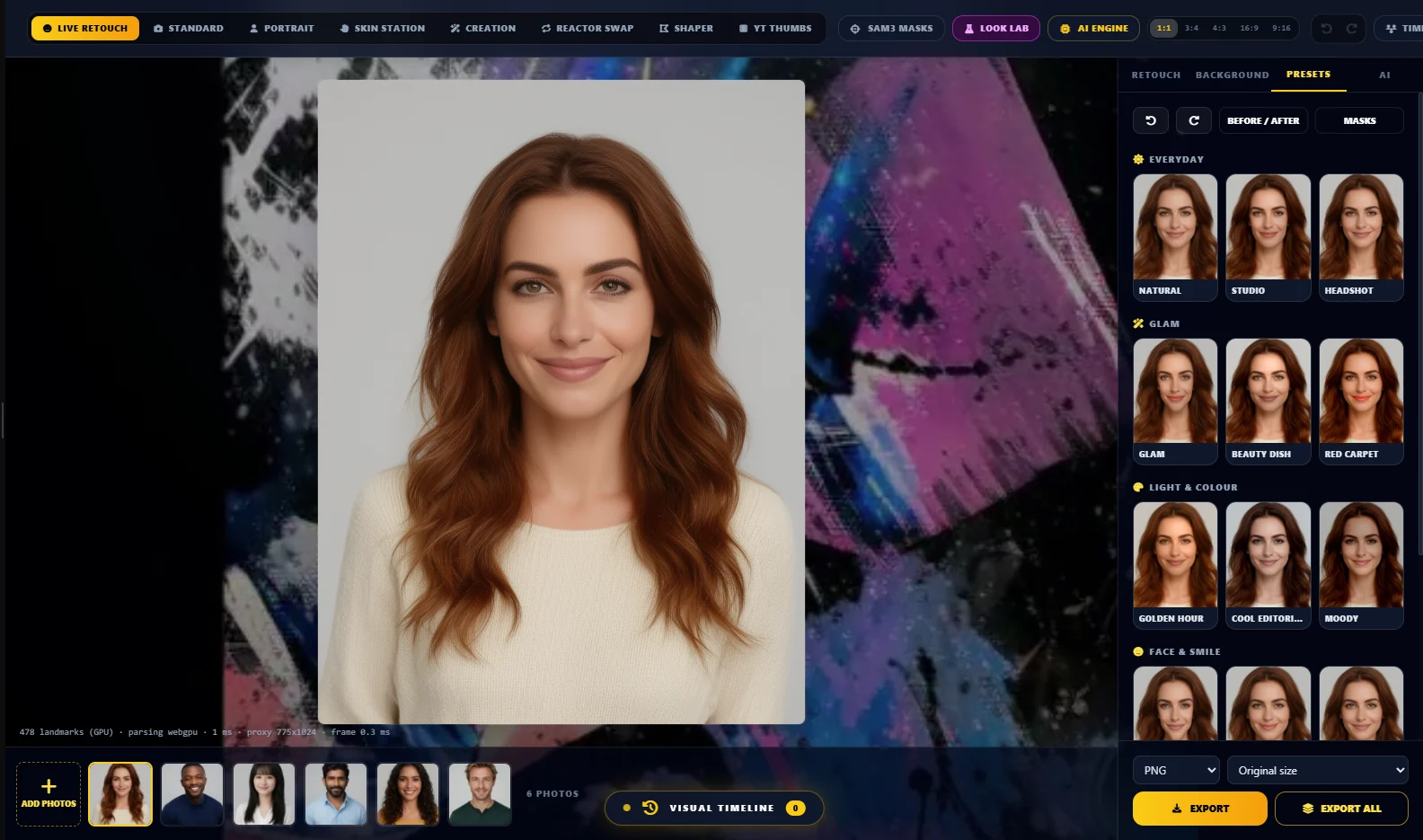
LoumiNova AI

The retouch studio with a portrait of a woman with long auburn hair, a strip of six different people along the bottom, and a Presets panel of thumbnail cards grouped under Everyday, Glam, Light and colour, and Face and smile.

Retouch portraits live on your own machine, then apply the look to the whole shoot.

Prompt creation — brainstorm and research
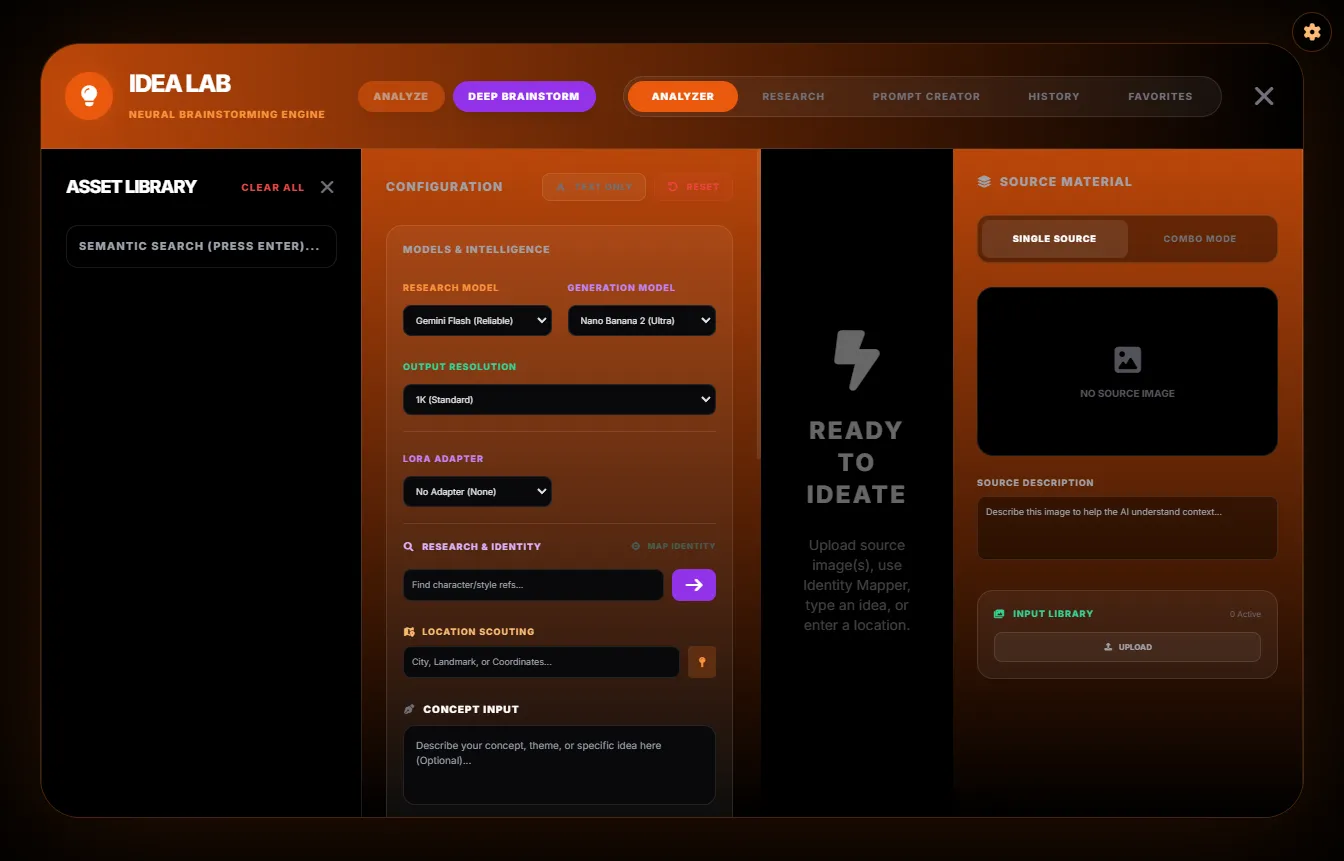
Idea Lab

Idea Lab: Analyze and Deep Brainstorm modes, tabs for Analyzer, Research, Prompt Creator, History and Favorites, an asset library, a configuration column with research and generation model pickers, and a source-material pane reading Ready to Ideate.

Turn a picture, a pile of references or a half-idea into prompts that work.

Image generation — ComfyUI plus a built-in engine
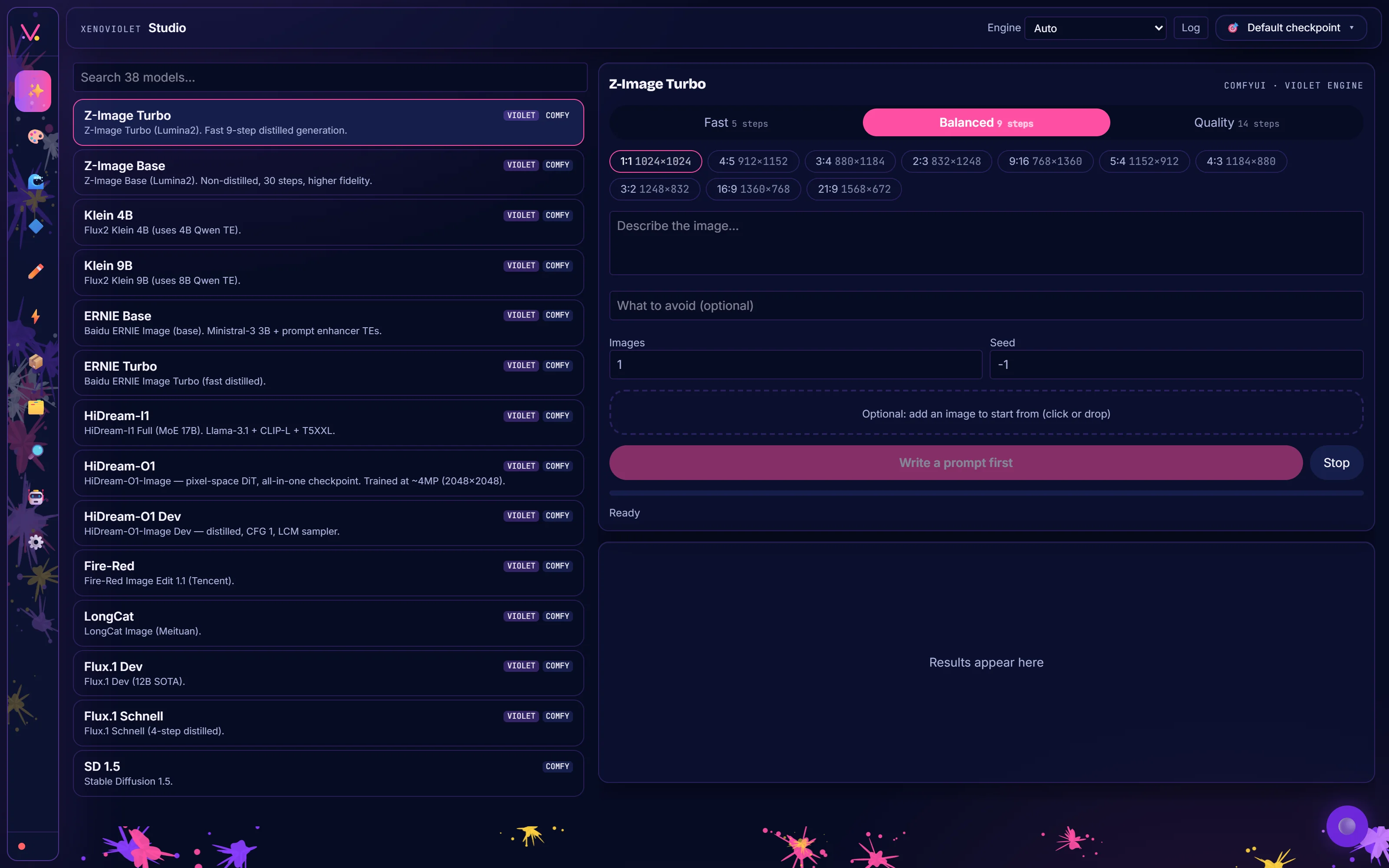
XenoViolet

XenoViolet's Studio page: a searchable list of 38 models tagged Violet or Comfy, and for the selected model a speed choice of Fast, Balanced or Quality, aspect ratio chips, a prompt box, a negative prompt box and a Create button.

One image app: ComfyUI when you want nodes, the Violet Engine when you do not.

Utility — model browsing

CivitAI Browser

Not exported yet

One model browser that looks and works the same in every VIOLINET app.

Marketplace — plugins and skills
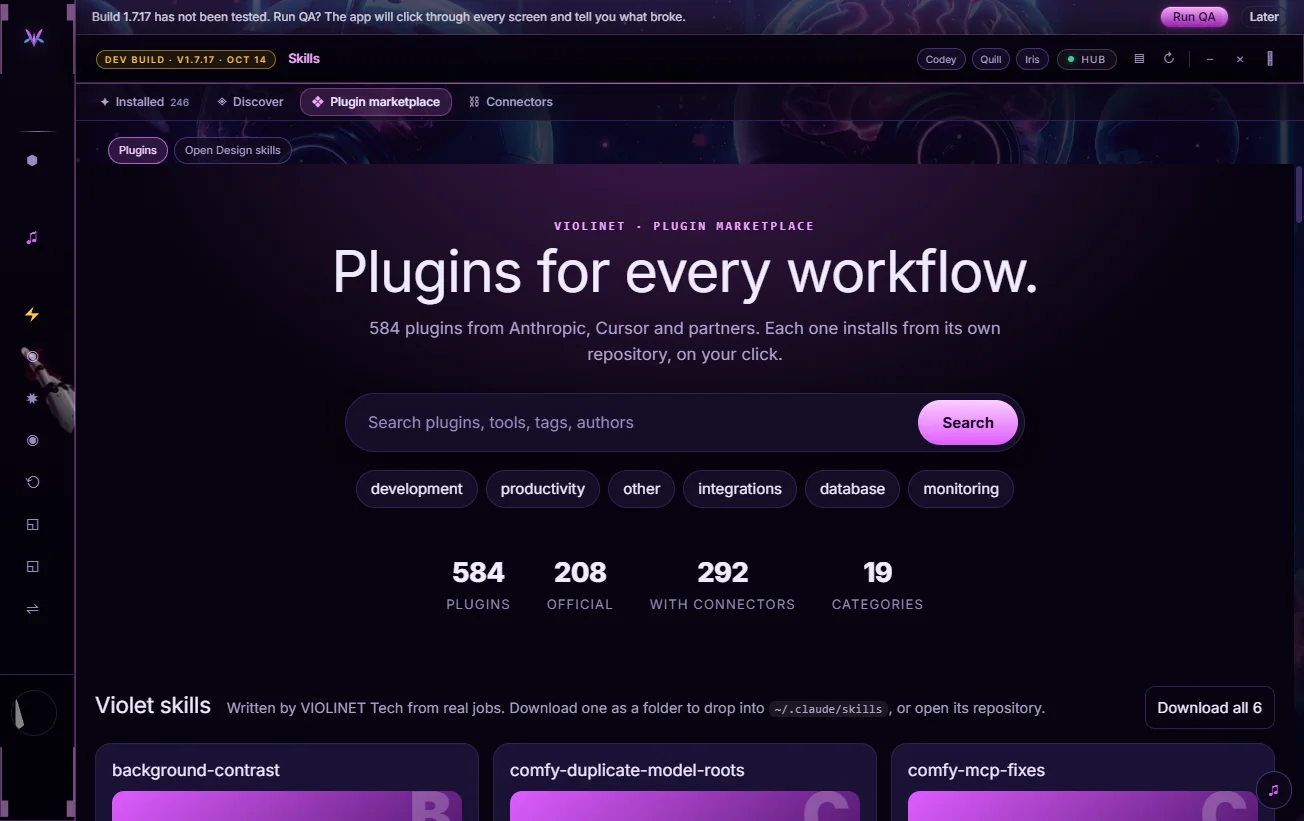
Plugin Marketplace

The VIOLINET Plugin Marketplace: a hero headline, a search box, category chips and counts of plugins, official plugins, plugins with connectors and categories.

Plugins and skills for every workflow, one click from VIOLINET OS.

Photo manager — Solar Violet Image Gallery
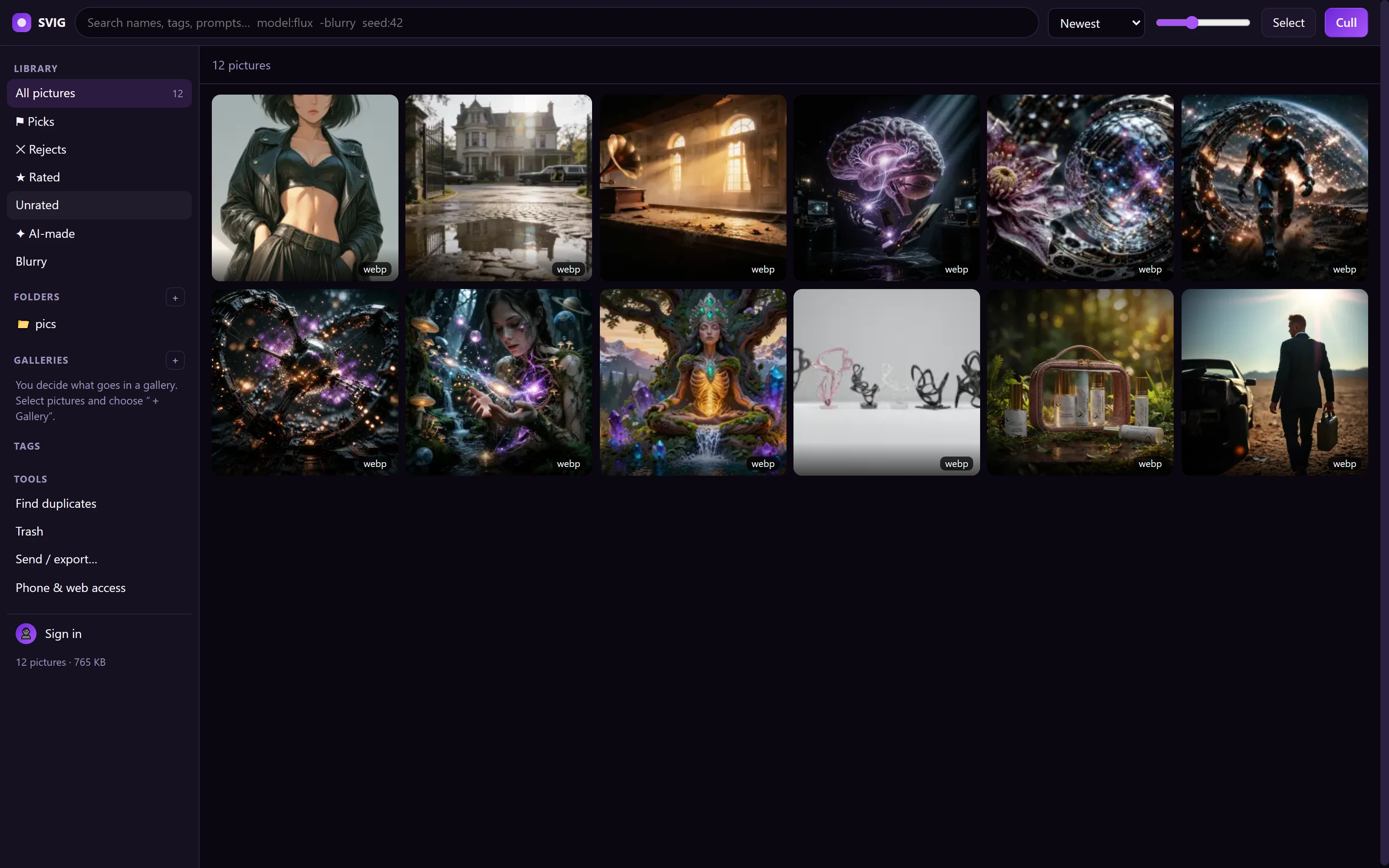
SVIG

The SVIG library: a left column with Picks, Rejects, Rated, Unrated, AI-made and Blurry, Folders, Galleries and Tools, and a grid of pictures with a Sign in button at the bottom left.

Sort, crop and rename a whole folder of pictures, on your own computer.

What we build

Everything on one wall.

Screen 1
Screen 2

Systems, models, worlds and stories from across the Violet family. Tap any small screen to put it up on the big ones.

The store

The VIOLINET TECH Store.

3D asset packs today, about 20% under the marketplaces; apps, subscriptions and compute credits next.

Browse the store →

An independent studio

A small team, on its own hardware.

VIOLINET TECH is a small, independent studio in Austin, Texas. A handful of people build, test and ship everything here on the same consumer GPUs our customers use, which is why it all has to run on them.

Questions, partnerships or press: support@violinettech.ai

New · from Violet Diffusion

ViolART OS

The operating system for artists. Every creative app we make on one account, one local model engine, and one library of images and LoRAs.

ArtPi6XenoVioletGenFixPortrAIt StudioLoumiNova AICCO Studio
See ViolART OS →